PolyBuzz’s Quick Creation guide describes the avatar, introduction, greeting and visibility. Before sharing an original character, read those items from a visitor’s perspective. Make clear which role belongs to the reader and what action they can take.
Check what the reader can see
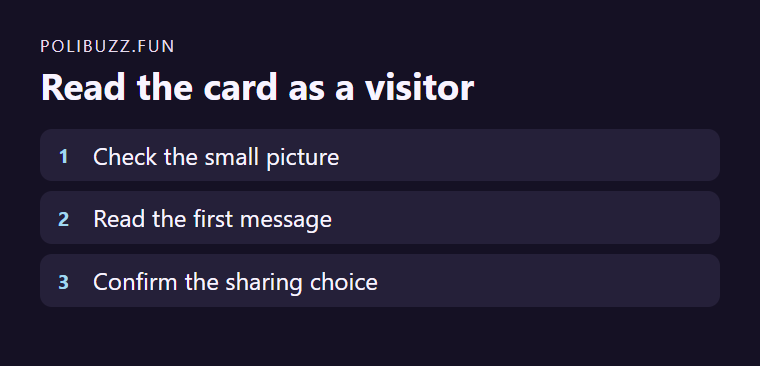
For a fictional adult cinema usher, an avatar showing a flashlight can establish the role. The introduction says the usher closes the building at night. Read the greeting without your full notes. A useful opening asks which aisle to check for a lost ticket and leaves the decision to the reader.
Verify the intended audience
Check the current audience setting and preview if available. Remove any identifying details before sharing a link. Keep a private copy of your original greeting so you can revise it later.
Sources and freshness
We used official public product and support pages to frame factual claims. Features, limits, prices, and policies can change; verify live terms before signing up or paying.
Independent publication · No product endorsement implied. Verify current details with each provider.